
To style container, navigate to the Design tab and open the Container. You can see the container. Now, simply click on your expected container.
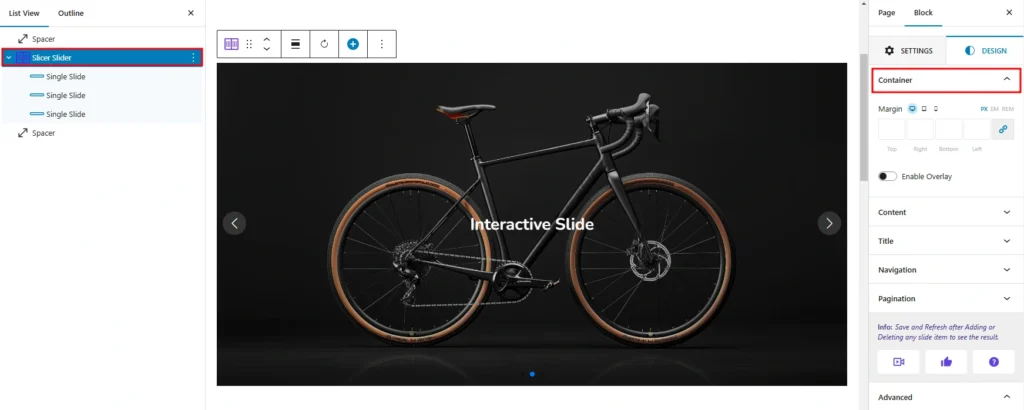
This container style has a responsive margin option. You can set the slider height for desktop, tablet, and mobile in different units like pixels (px), em, vh, and percentages (%).
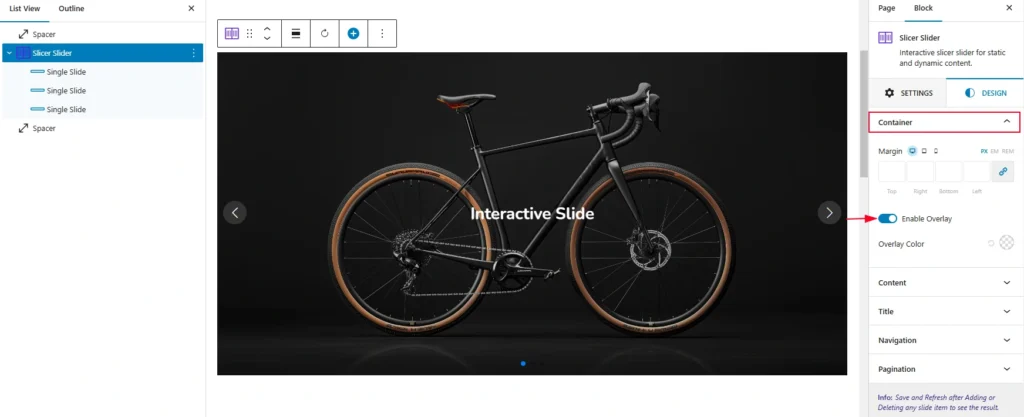
- Margin: This option sets the space between the content block and the elements around it.
- Enable overlay: Turn on to add an overlay color behind the slider content. Once you turn on, it allows you to add the overlay color like the following screenshot: